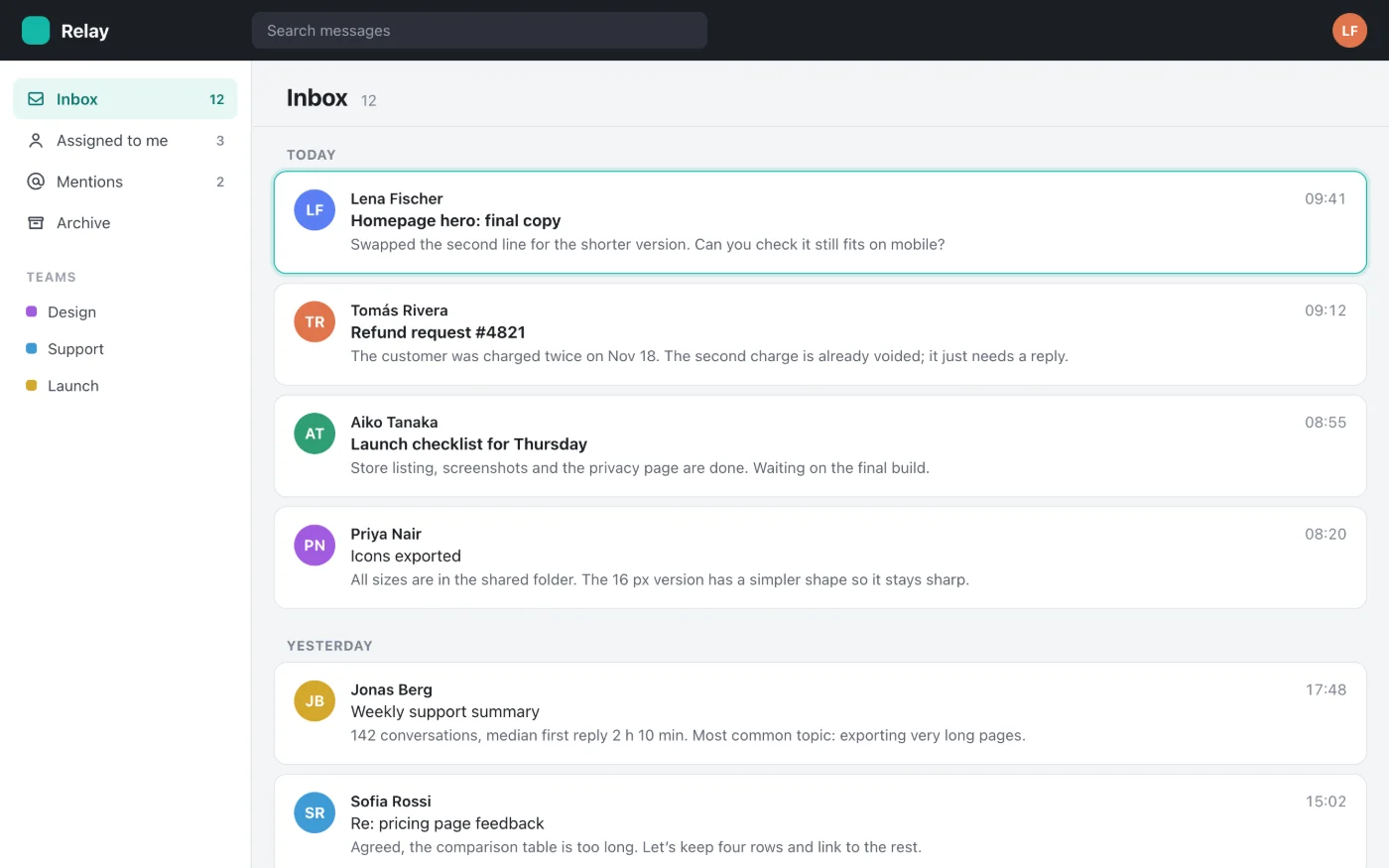
Screenshot the whole page, not just the screen
SnapLong scrolls through any web page and stitches it into one long, sharp image you can copy or download. Free, private, no account.
Coming soon to the Chrome Web Store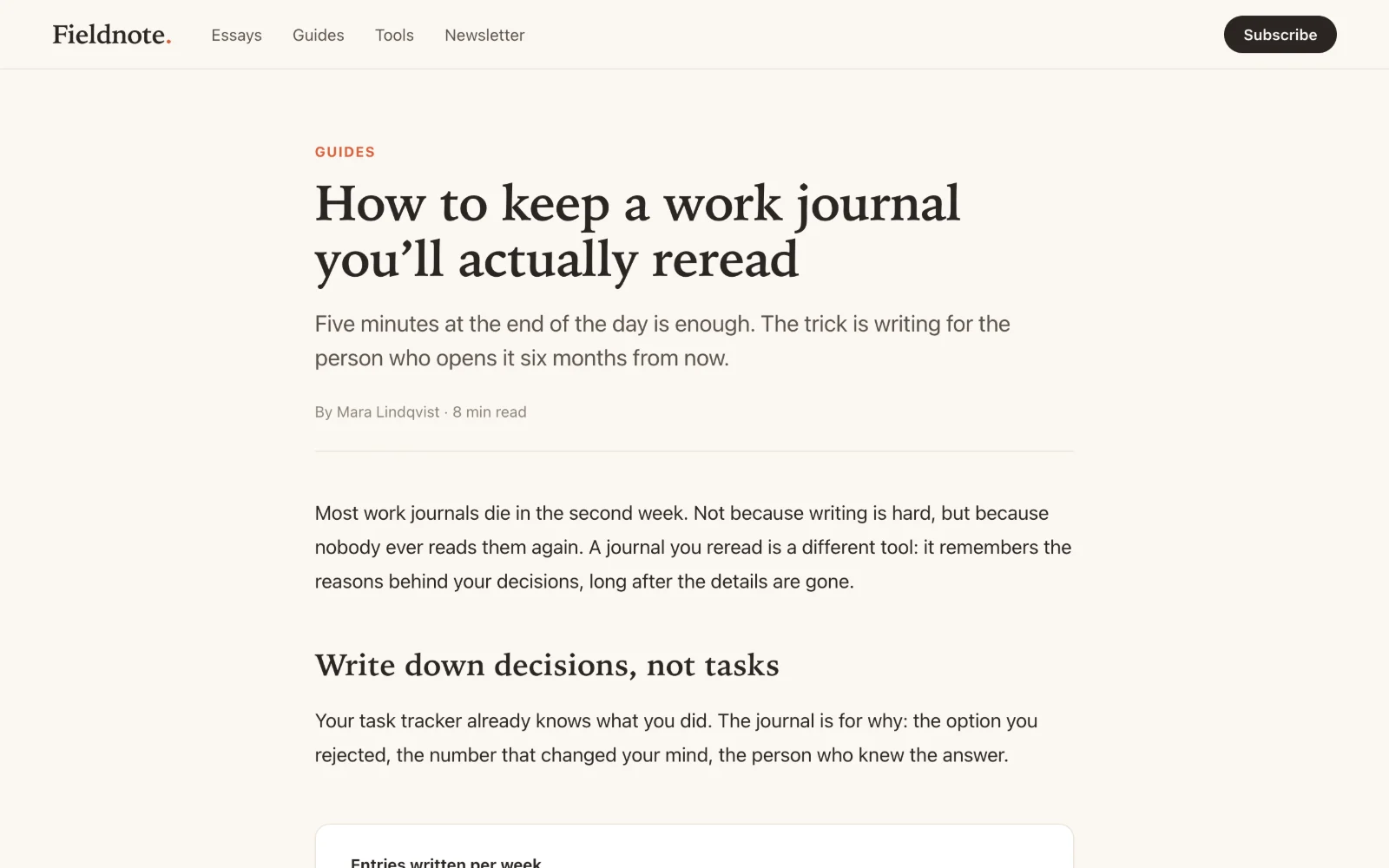
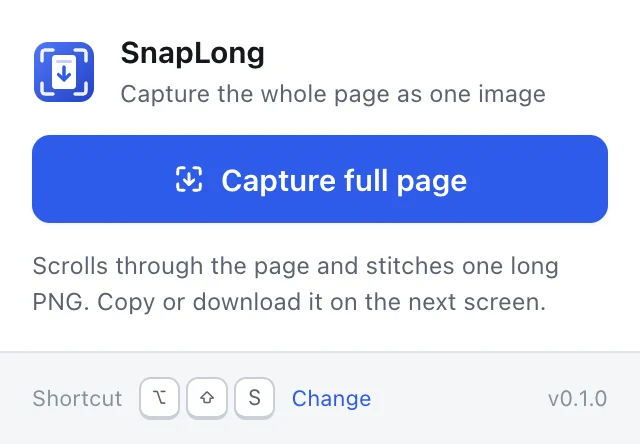
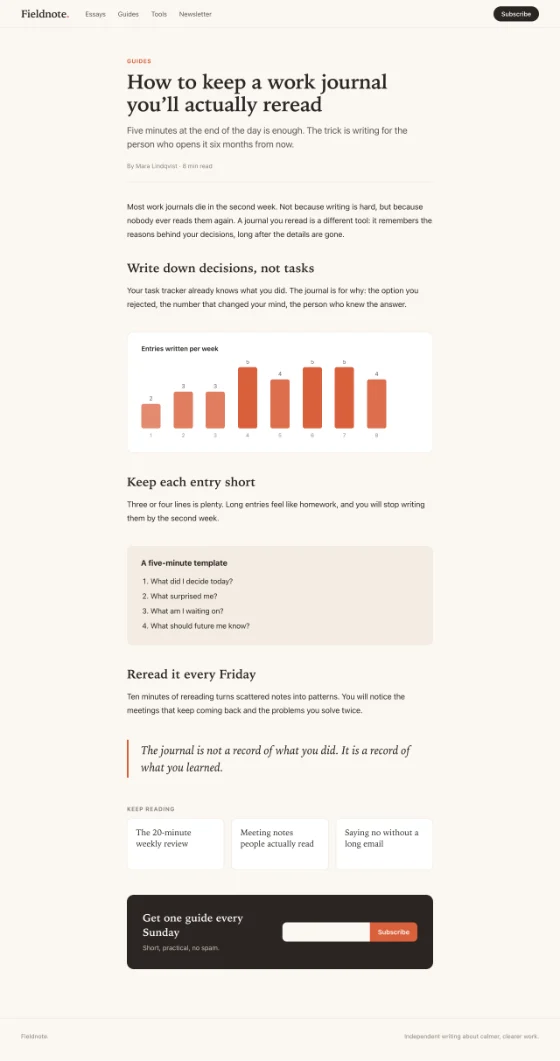
One click, whole page
Click the icon or press Alt+Shift+S. SnapLong scrolls, captures and stitches the page automatically.
Made for real websites
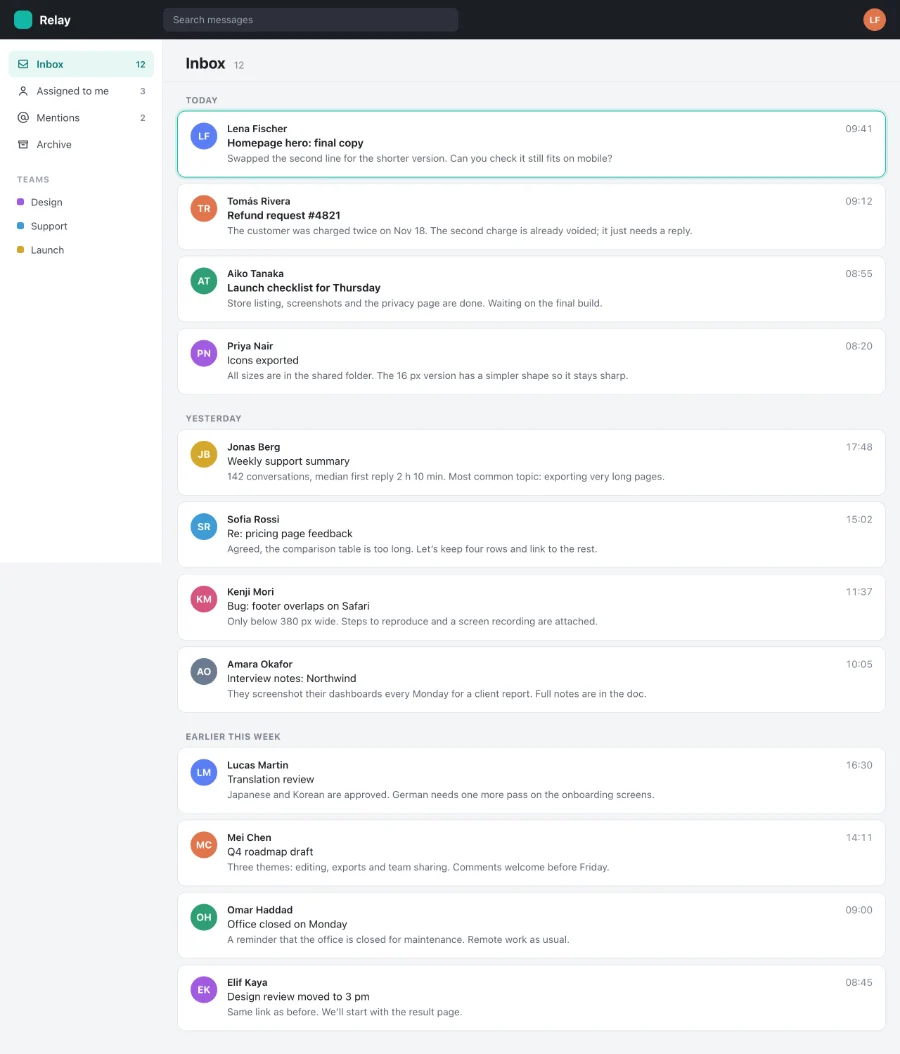
Fixed headers show up once, sticky elements stay in place, and web apps with their own scroll areas are captured in full.
Copy or download
Copy the image straight to your clipboard, or save it as a PNG named after the page.
Stays on your computer
No uploads, no account, no tracking. Only three permissions, used only when you ask for a screenshot.
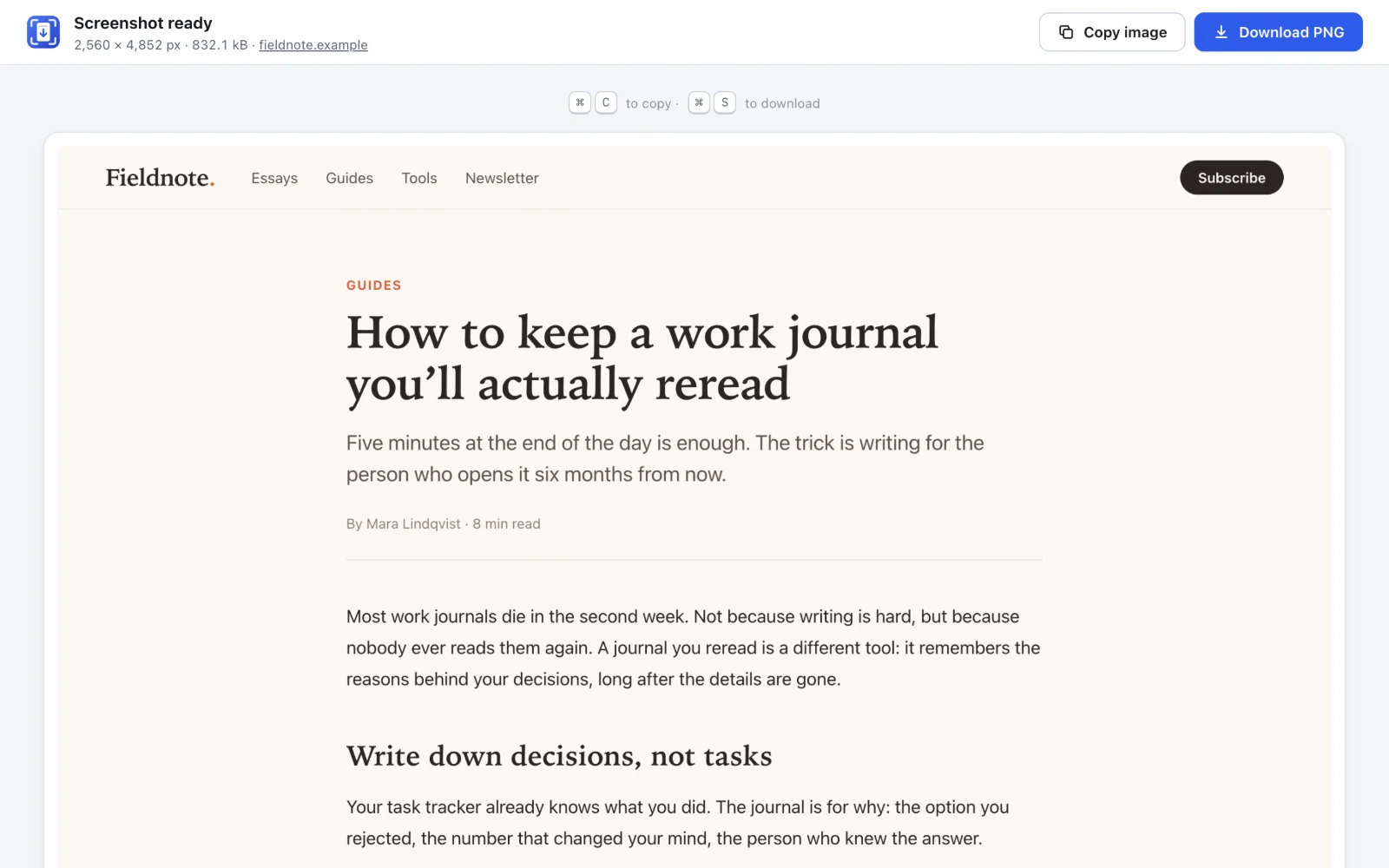
One long image, ready to copy or download
Paste it anywhere, or save it as a sharp PNG.
Works on web apps, too
Mail, docs and dashboards where only the content area scrolls.